
Article: Major Update: Video Upload, 32-Bit WAV Support, 15-Minute Exports & More
Major Update: Video Upload, 32-Bit WAV Support, 15-Minute Exports & More
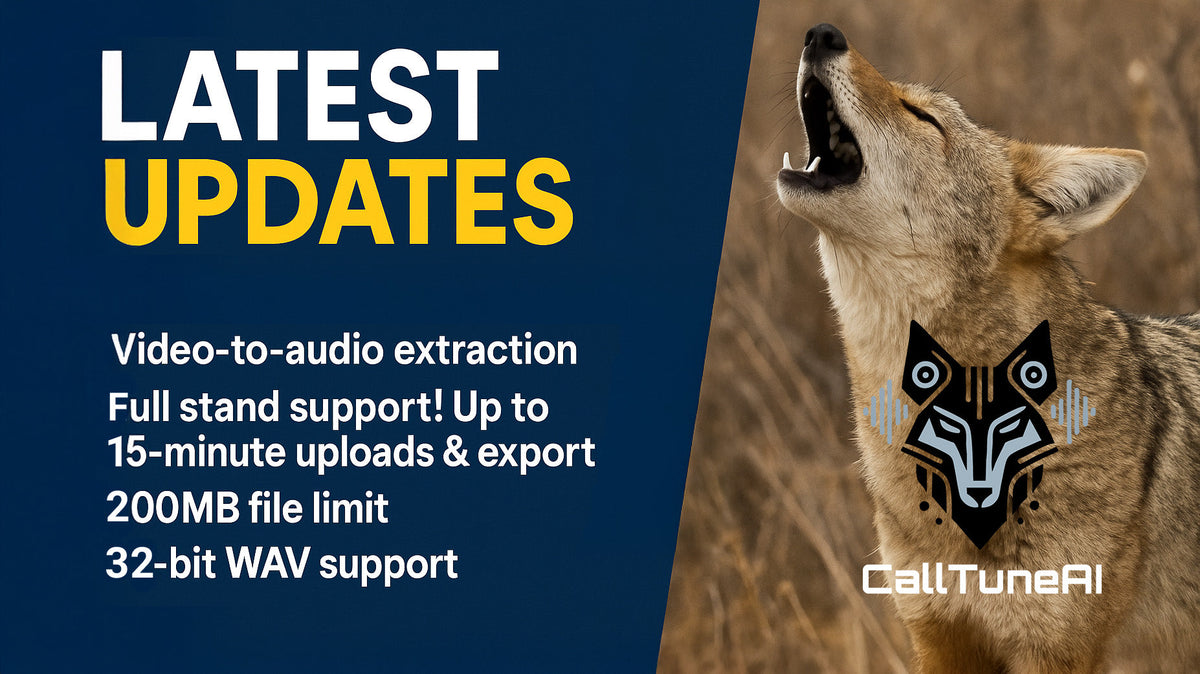
We just pushed a significant update to CallTuneAI that addresses some of the most requested features from our predator hunting community. Here's what's new.
Video Upload Support
You can now upload video files directly to CallTuneAI's AI sound generator and automatically extract the audio. This opens up some interesting possibilities for creating electronic coyote calls:
- Pull audio from field footage you've captured
- Convert hunting videos into usable calling sounds
- Extract audio from tutorials or demonstrations
- Process YouTube downloads or social media clips (where legally permitted)
The app handles the video-to-audio conversion automatically. Just upload your video file like you would any audio file, and we'll take care of the rest.
200 MB File Size Limit
We've increased the maximum upload size to 200 MB to support video files and longer audio recordings. This gives you plenty of headroom for high-quality source files without compression artifacts.
15-Minute Audio Support
This is a big one for serious callers. You can now upload and export audio files up to 15 minutes long.
- That means you can process entire calling sequences from start to finish:
- Full stand recordings from successful hunts
- Complete howling sequences
- Extended distress call progressions
- Multi-sound setups without splitting files
Previously, you were limited to shorter clips. Now you can work with complete calling sequences the way you actually use them in the field.
32-Bit WAV Export
We've added 32-bit WAV support across all export formats:
- Standard: 32-bit WAV files for maximum quality
- MotionFX: 32-bit stereo with motion enhancement
- FREQY: 32-bit with high-frequency overlay for modern callers
This gives you studio-grade bit depth for the cleanest possible audio quality. Whether you're running high-end FoxPro units or custom setups, you now have professional audio export options.
Optional Noise Reduction Toggle
By default, CallTuneAI now processes your audio without noise reduction to preserve the highest quality and keep file sizes lean. But we've added an optional noise reduction toggle for situations where you need it:
- Wind noise in field recordings
- Background interference
- Environmental sounds you want cleaned up
- Handling noise from phone recordings
The toggle gives you control. If your source file is clean, leave it off for the best quality. If you've got background noise, flip it on and let the AI clean it up.
FoxPro X24 24-Bit WAV Fix
We also fixed a bug affecting 24-bit WAV files on the FoxPro X24. Those files now load and play correctly without any issues.
What This Means for Your Hunting
These updates give you more flexibility in how you create and use custom calling sounds:
- Record longer sequences that match how you actually hunt
- Pull audio from any video source
- Export at professional bit depths for maximum caller compatibility
- Clean up field recordings when needed without sacrificing quality on clean files
We're constantly working to make calltuneai more powerful and easier to use for creating AI game calls and predator calling sounds. These features came directly from feedback we've received from coyote hunters using the app in the field.
If you've got ideas for what you'd like to see next, let us know. We're listening.
Join the conversation on Facebook where hunters are sharing their excitement about these updates.
– Sheldon

